 CLARO SURGICAL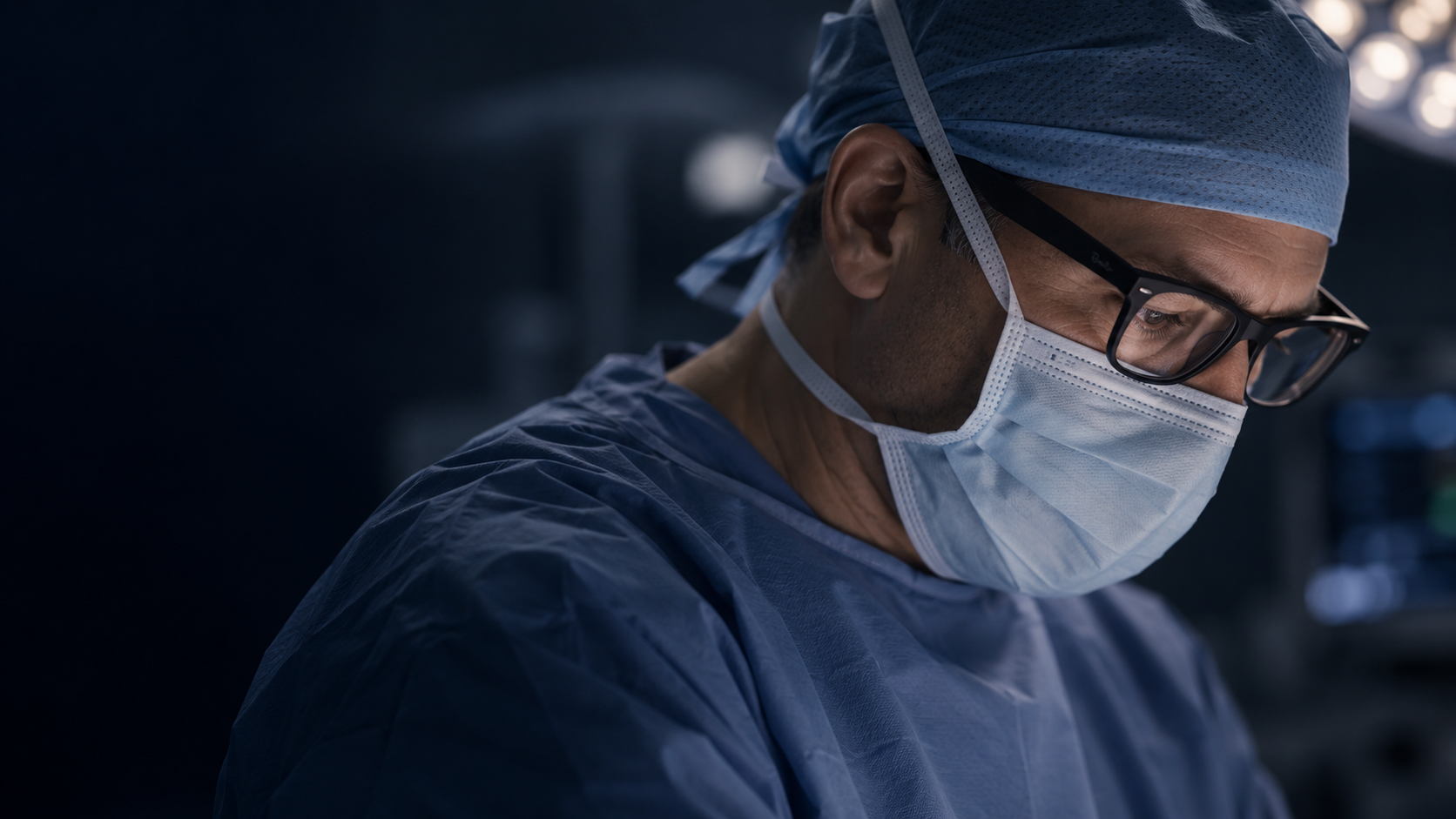
INSPIRED BY SURGERY. DESIGNED FOR SURGEONS.
Guidance
that moves
with you.
Your surgical field. Your instruments.
Guidance you can see and hear.
ONE CLEAR IDEA
Connect what you see
with the direction you need.
Claro Surgical combines a patient reference with a reference on the pointer. The glasses camera captures their relative position; the phone turns that information into visual and audio guidance.
Natural vision
View the surgical field directly through conventional lenses. Consult the alignment target on your phone.
Guidance you can hear
Audio identifies tracking states, accompanies point capture and confirms each step.
A familiar setup
Your phone holds the workflow and profiles. The web provides a larger view when you need it.
FROM CONTACT TO ALIGNMENT
A workflow
that makes sense.
The workflow relates implant references to the axes of the locking holes in an intramedullary nail.
Request a demonstration- 01
Place the references
One image identifies the patient reference. Another sits on the pointer, whose tip geometry is known.
- 02
Place. Hold. Check.
Capture points with the tip held steady, then return to them to check the readings. The app tells you when to continue.
- 03
Recover the direction
The profile relates the references to the locking holes. Two spheres represent the position and orientation of the axis.
- 04
Follow clear guidance
The alignment target, audio cues and confirmations guide your approach to the target axis.
POSITION + DIRECTION
Two spheres.
One direction.
First, center the larger green sphere to position the tip. Then keep the tip fixed and pivot until the smaller purple sphere reaches the same center.
The app also checks depth. This diagram only explains how to read the alignment target.
DESIGNED AROUND YOUR WORK
The right information.
At the right moment.
Less reading as you work
Clear states, large controls and audio confirmations are designed to reduce the need to keep checking the screen.
A workflow that keeps your progress
Confirmed points are preserved. Repeat a reference without starting the entire workflow again.
The core stays with you
Saved profiles are available locally on your phone. The web is an optional companion for learning, setup and visualisation.
References you can review
Position, orientation, side and length are saved in a catalogue so configurations can be reviewed and reproduced.
LET'S TALK ABOUT CLARO
The next conversation
could be with you.
Whether you are a surgeon, part of a hospital team, or developing technology and implants, we would like to hear your perspective.
Request a demonstration or explore a collaboration.